Ask a restaurant owner what their AI tool did last Tuesday and you'll usually get a shrug. Replies went out, posts were posted, something happened with the Google profile. Ask what it cost in model calls that day — another shrug. That opacity is tolerable for a toy. It's disqualifying for anything that touches your money, your books, or your name.
Here's the standard we hold ourselves to, in one sentence: every action an AI employee takes is written down, in a log you can read, before you ever need to ask. This post walks through what that log actually contains, row by row, and why the most enthusiastic audience for it turns out to be accountants.
What should an AI audit log record?
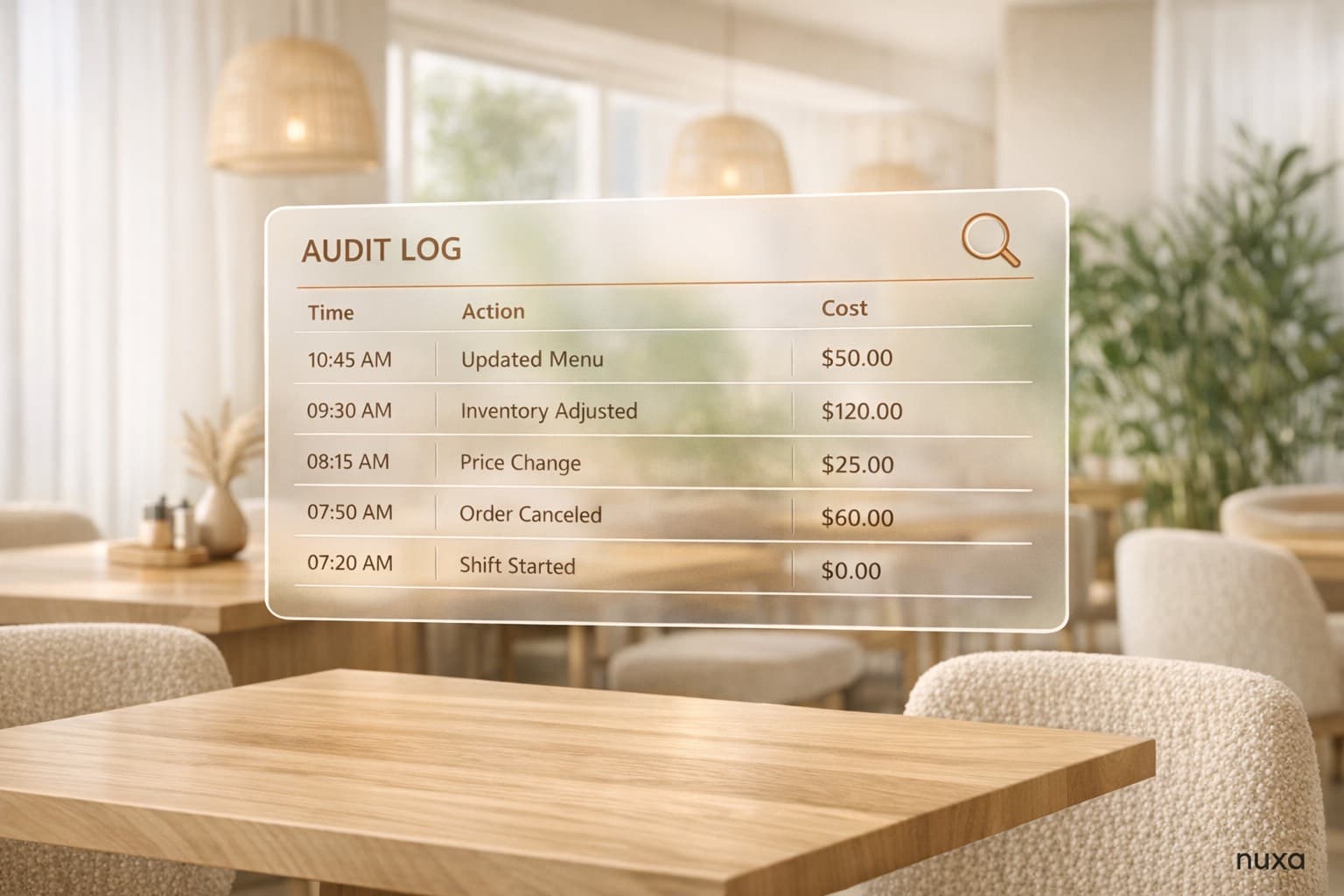
A real audit log answers five questions for every single action — no exceptions, no 'minor' calls that skip logging:
- Who acted — which AI employee (Grace, Dash, Atlas, Ink, Vibe, Pulse, Host, Quill, Ledger, Sage) and on behalf of which location.
- What it did — the specific action: drafted a reply to review #4811, generated the morning brief, updated a menu description.
- What it cited — the claims behind every fact in the output, traceable to the POS row, review, or menu item they came from.
- Who approved — for anything past the approval line (money, irreversible, public), the owner's tap is logged with a timestamp. Drafts that were rejected are logged too.
- What it cost — the model used and the exact tokens consumed, metered on every call, rolled into a daily spend bar with a hard ceiling.
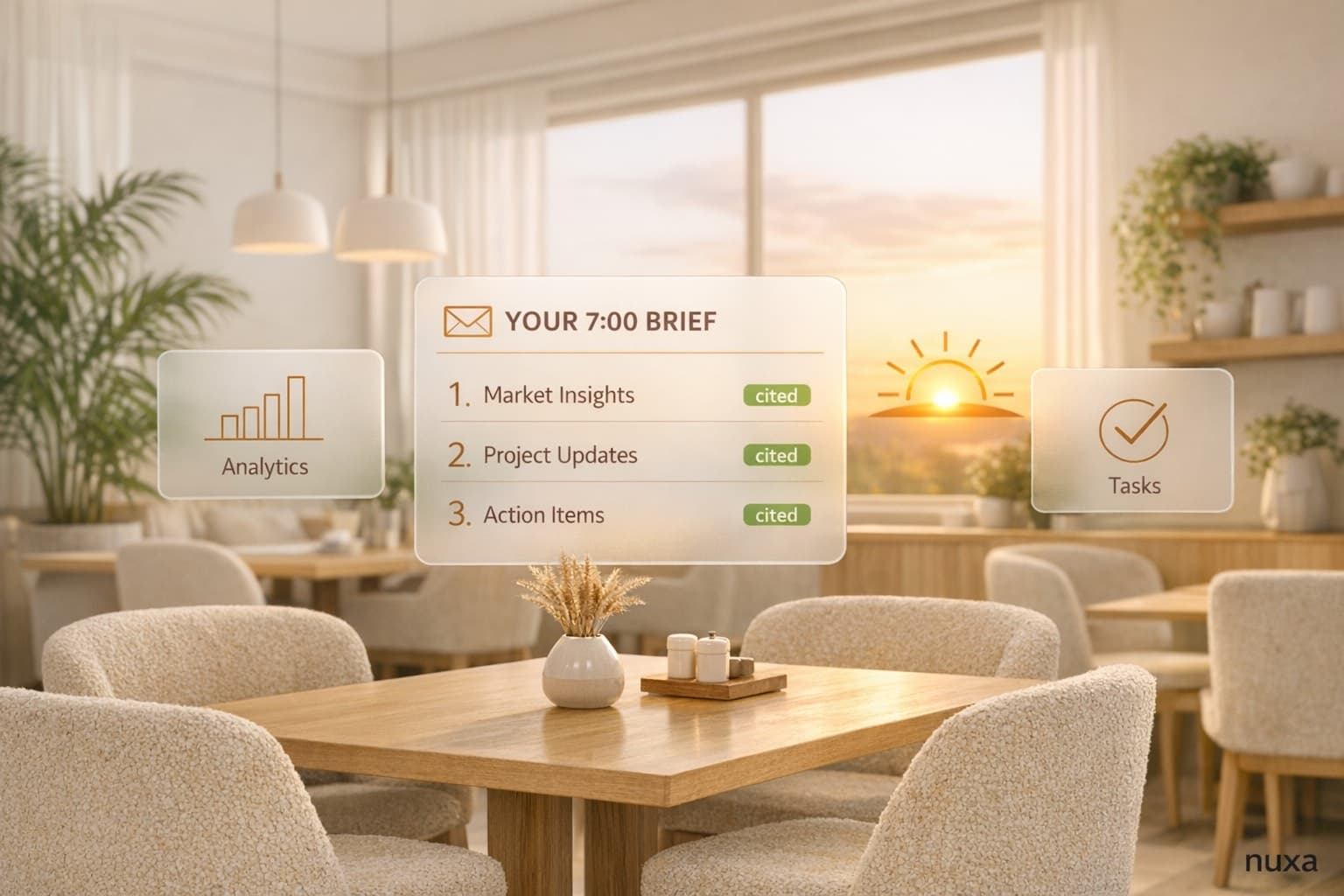
Notice what's absent: 'AI magic happened.' Every row is concrete. 7:02am, Dash, generated daily brief, cited 214 POS rows, no approval needed, $0.04. 9:15am, Grace, drafted reply to review #4811, cited order #20144, awaiting approval, $0.01. It reads like a timesheet, because that's what it is.
Why will my accountant care about an AI log?
Because the scariest thing you can tell an accountant is 'the software did something to the money and we're not sure what.' Comps, refunds, and discounts are exactly where books drift. With a gated, logged system, every money-adjacent action has a named approver and a timestamp — refunds can never happen without an owner's tap (that gate is permanent), and the log proves it. When the quarterly numbers get reconciled, 'what did the AI do' is a report, not an investigation.
An employee who keeps perfect records of everything they did, what it cost, and who signed off — accountants don't just tolerate that employee. They ask if you can hire five more.
How is this different from a chat history?
If your current 'AI workflow' is a ChatGPT tab, your audit trail is a scroll of conversations — no record of what was actually sent to customers, no costs, no link between an output and the data behind it, and nothing your bookkeeper can query. A chat history shows what you discussed. An audit log shows what happened. The difference matters precisely on the day something goes wrong: a customer disputes a reply, a number looks off, a charge surprises you. With a log you find the row in thirty seconds. With a chat history you find vibes.
What does metering add to the log?
Cost rows aren't decoration. Every model call is metered — prompt tokens, completion tokens, which model, which capability — and your dashboard shows the day's spend as a bar against a hard ceiling. Hit the ceiling and your AI team stops and tells you; it never silently keeps spending. That single design choice eliminates the 'surprise bill' failure mode that haunts usage-priced AI tools, and it means the audit log doubles as a cost ledger. (More on the economics in our post at nuxa.ai/blog/what-ai-actually-costs-per-restaurant.)
The deeper point: accountability is what makes delegation possible
You can only hand work to someone you can check on. That's true of a new shift manager and it's true of an AI employee. The audit log is what turns 'the AI does things' into 'my team did these eleven things this morning, here's the list, here's what two of them are waiting on me for.' It's also why the log sits next to cite-or-die and the approval line as the third pillar at nuxa.ai/trust — citations make outputs checkable, approvals make actions controllable, and the log makes the whole history inspectable.
If you're evaluating any restaurant AI — ours or anyone's — ask one question in the demo: 'Show me the log of everything it did yesterday, with costs.' If the vendor can't, you've learned what you needed to. Nuxa ships the full log on both plans at nuxa.ai/pricing, and the easiest place to feel it working is the morning brief at nuxa.ai/daily-brief, where every number you read links back to its row.